ram.nvim
- #neovim
- #plugin
- #notes
on this page
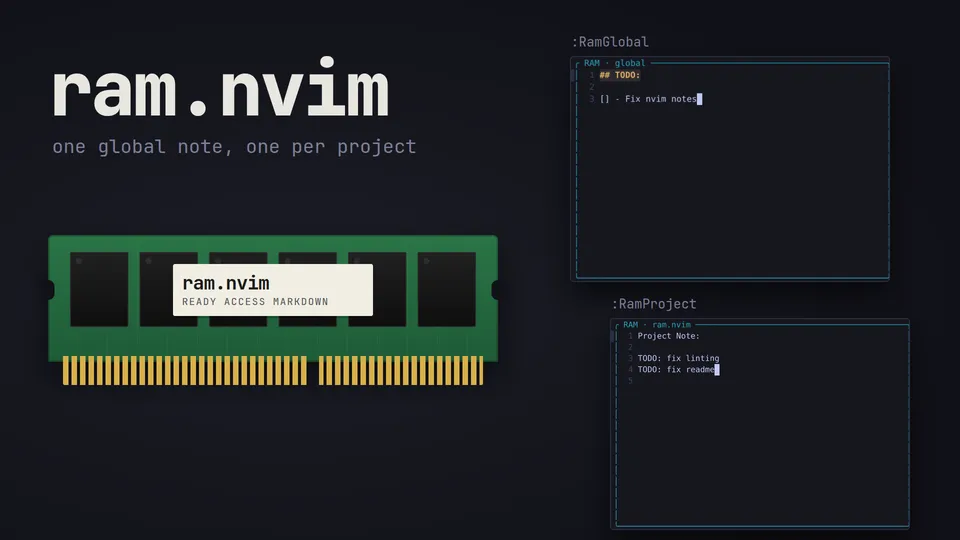
ram.nvim (Ready Access Markdown) keeps two markdown notes a command away: one global note, and one for the project you are in. Each command opens its note in a float, and running it again closes it.
##What it does
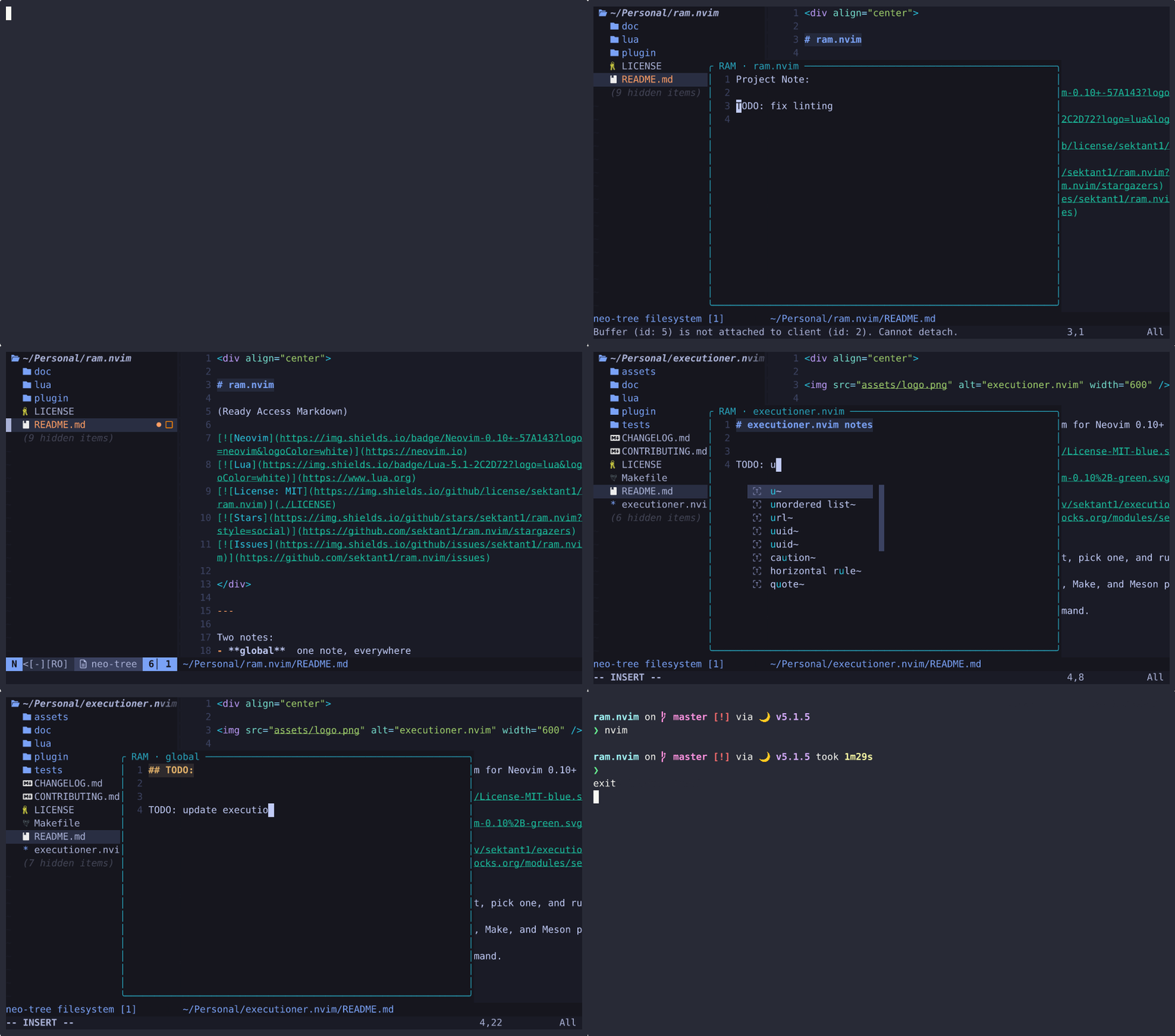
:RamGlobaltogglesram/global.mdin Neovim's data directory.:RamProjecttoggles.ram.mdat the project root. Calling it while the global note is open swaps the two.- The note is written when you leave its buffer or close it, and
qcloses it. - Each note remembers its cursor position for the rest of the session.
- Any LSP client that attaches to a note buffer is detached again.
- A note that does not exist yet is created with a heading:
# RAM, or# <project> notes.
##Finding the project
The root is the nearest parent directory with one of these markers: .git, .hg, .svn, package.json, Cargo.toml, pyproject.toml, go.mod, Makefile or .ram.md. The search starts from the current file, then each window's working directory, the other open files, and last :pwd. If no marker turns up, :RamProject shows an error. Set project_root_markers = {} to always use the working directory.
##Install
Neovim 0.10 or newer. nui.nvim is optional: with ui = "auto" the float uses it when it is installed and the built-in window API when it is not.
-- lazy.nvim
{
  "sektant1/ram.nvim",
  cmd = { "RamGlobal", "RamProject" },
  keys = {
    { "<leader>rg", "<cmd>RamGlobal<cr>", desc = "Global note" },
    { "<leader>rp", "<cmd>RamProject<cr>", desc = "Project note" },
  },
  opts = {},
}-- vim.pack (Neovim 0.12+)
vim.pack.add({ "https://github.com/sektant1/ram.nvim" })
require("ram").setup({
keymaps = { global = "<leader>rg", project = "<leader>rp" },
})##Config
setup() takes the display mode (float, split, vsplit or tab), the float size and border, both note paths, keymaps and autosave. Everything has a default, so opts = {} is enough.
:checkhealth ram prints both note paths and the project root it found.