react-warcraft-ui
- #react
- #ui
- #warcraft
- #component library
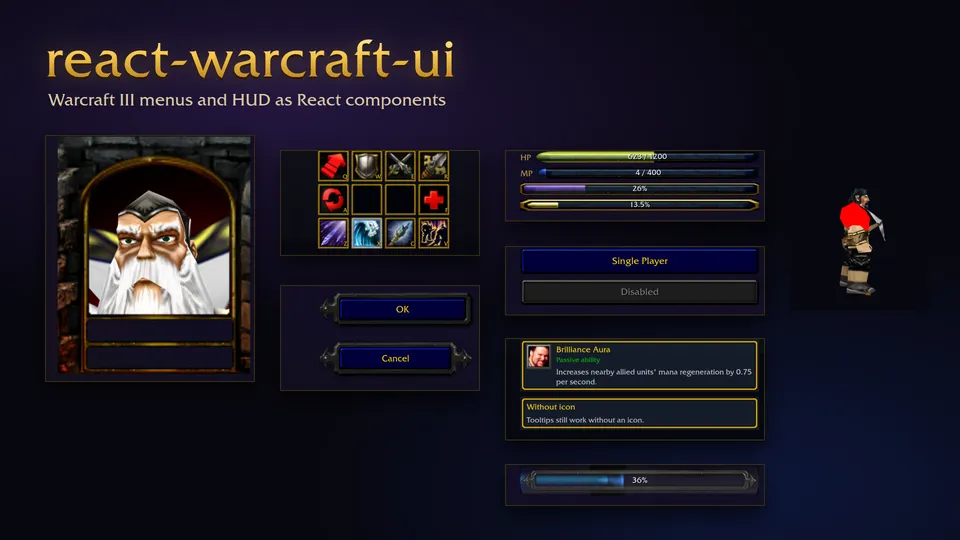
on this page
react-warcraft-ui rebuilds pieces of the Warcraft III interface as React components: menu buttons, ESC menu controls, stat bars, the command card and animated hero portraits. They first lived inside my build order tool. This repo pulls them out into a package.
// fan-made, not affiliated with or endorsed by Blizzard Entertainment##What's in it
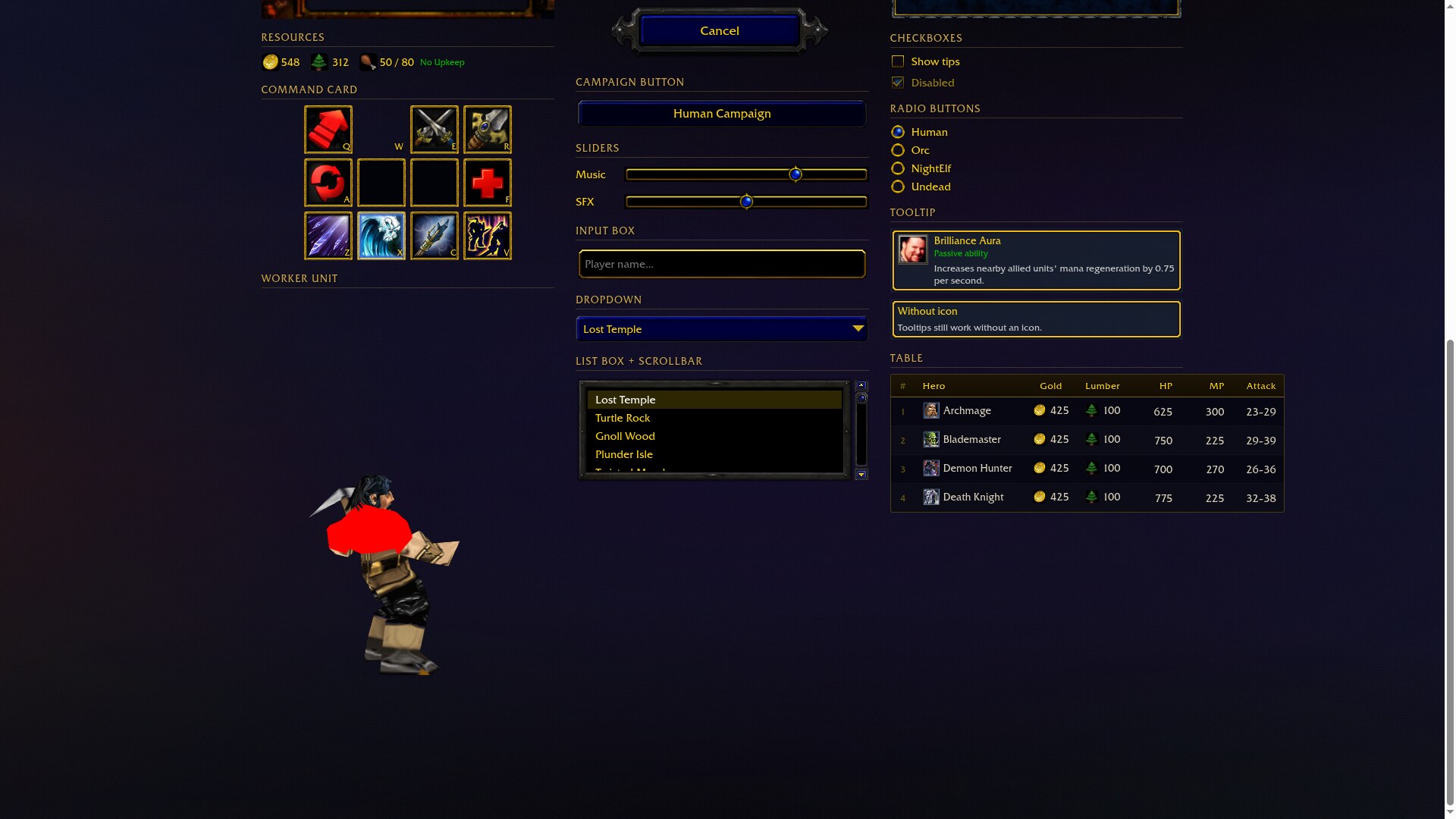
The package exports 31 components, and the demo site shows most of them: main menu buttons and dropdowns (GlueScreenButton, GlueDropdown), ESC menu controls (EscCheckbox, EscSlider), the top and bottom HUD, a 4x3 CommandCard with hotkeys and tooltips, StatBar for health, mana and xp, and WebGL models such as HeroPortraitModel.
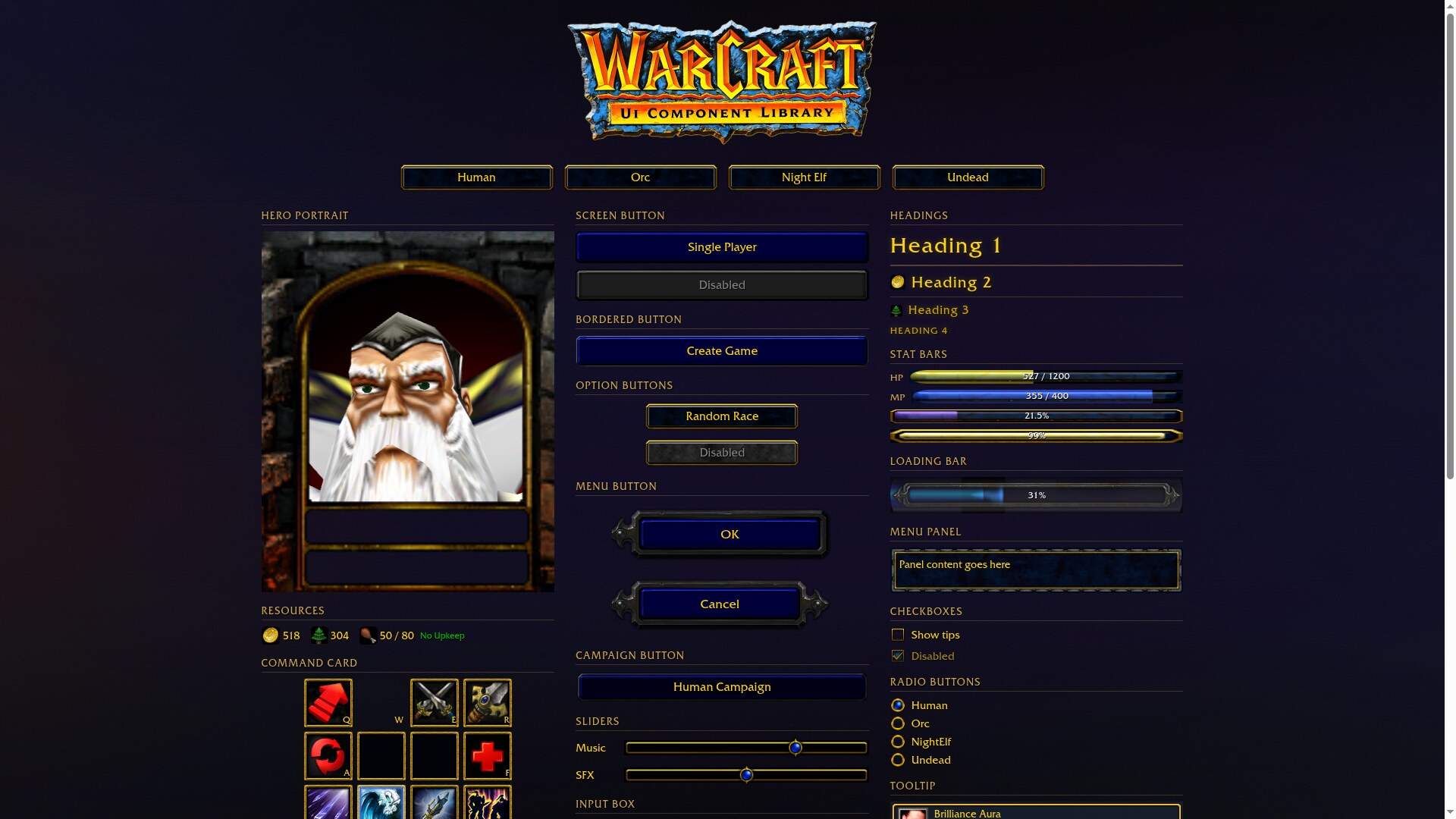
Race-dependent components read a global race set with setCurrentRace, or take a race prop: "Human", "Orc", "NightElf" or "Undead". The checkbox, slider, panel and bar textures change with it.
##How it's built
There are no pre-rendered images. Each component fetches the original .blp files, decodes them with decodeBLP from war3-model, draws the pixels to a canvas and caches the result per path. Buttons and borders are nine-slice composites of the game's background, border and highlight textures. When you press one, the label shifts a few pixels, like it does in the game.
Some textures needed fixing after decoding. Resource icons use black as a color key, so those pixels become transparent. A few ESC button backgrounds decode with zero alpha everywhere and get forced opaque.
The model components parse .mdx files with parseMDX, upload the BLP textures with their mip levels, and draw with war3-model's ModelRenderer. The portrait and worker models try WebGL2 first, then WebGL 1. The portrait plays a sequence named "portrait" (skipping the talking one), or "stand" if there isn't one. The worker models are the peasant, peon, archer and acolyte, and the day/night clock has a model per race.
##Game assets
The repo contains no Blizzard art, and public/ is gitignored. You extract the textures, models and the Friz Quadrata font from your own copy of the game (the README describes doing it with CascView) and serve them from your static directory:
public/
  bars/  borders/  buttons/  console/  console-buttons/
  cursor/  fonts/  loading/  models/  resources/  tooltips/
BLP textures resolve against the Vite base URL, or against setAssetsBaseUrl("https://cdn.example.com/wc3-assets/") if you host them elsewhere. The model components always load from ./models/.
##Install
It is set up to publish to GitHub Packages, so point the scope at that registry in .npmrc:
@sektant1:registry=https://npm.pkg.github.comnpm install @sektant1/warcraft-uiimport { GlueScreenButton, StatBar, CommandCard, createEmptySlots, setCurrentRace } from "@sektant1/warcraft-ui";
import "@sektant1/warcraft-ui/style.css";
setCurrentRace("Orc");
<GlueScreenButton onClick={() => {}}>Single Player</GlueScreenButton>
<StatBar type="health" fillPercent={75} maxValue={1200} label="HP" />
<CommandCard slots={createEmptySlots()} cellSize={48} />##Develop
npm run dev          # Start dev server
npm run build        # Build library
npm run build:demo   # Build demo site
npm run test         # Run tests
Vite builds the library to ES and UMD bundles plus one CSS file. Vitest checks the export list and renders a set of the components.