burrow
- #wiki
- #desktop
- #python
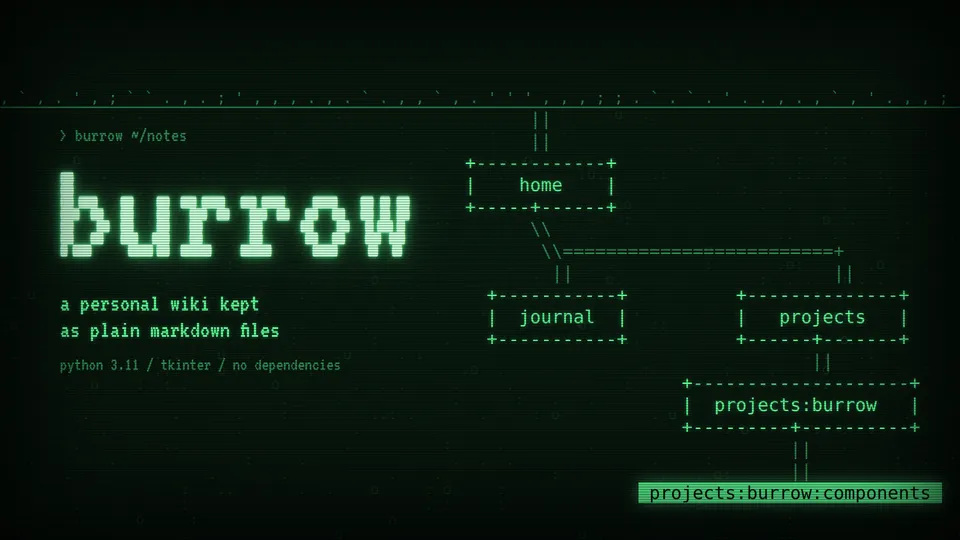
A desktop personal wiki in Python and Tkinter, modelled on Zim, with a green phosphor terminal look.
python · tkinter · ttk
on this page
burrow is a personal wiki that runs as a desktop app. It follows Zim: a notebook is a folder of Markdown files, pages nest under other pages, and a page path is written with colons, like projects:burrow:components.
I wanted my notes as plain files on disk, in an editor that looks like the rest of my tools. It runs on the Python 3.11+ standard library and nothing else.
##Notebooks
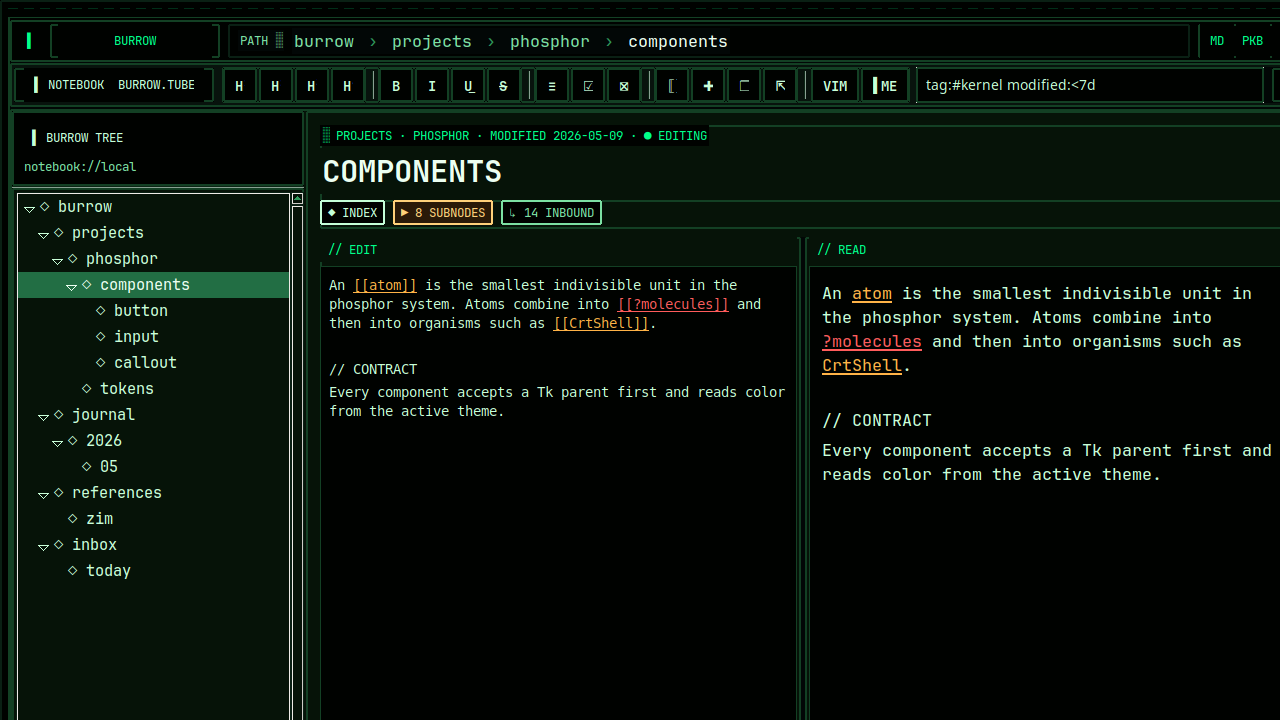
On first launch it asks for a folder and remembers it in ~/.cache/burrow/last_notebook.txt. Every .md file under that folder is a page, and its location decides its wiki path. An empty folder gets a home.md to start from.
notes/
  home.md                  home
  projects/
    burrow.md              projects:burrow
    burrow/
components.md projects:burrow:components- The tree on the left lists every page, and the breadcrumb in the header goes back up the path.
- Edits are written to disk about half a second after you stop typing.
- New subnote creates the child file under the current page.
- YAML front matter is split off into the right rail and edited there, apart from the body. The rail also lists tags from
tags:lines. - Search opens the first page whose path, title, tags or text contain the query.
- The editor colours Markdown syntax and
[[page]]links, and the toolbar inserts headings, lists, task lists and tables.
##Vim mode
The VIM button turns on a modal layer over the editor. It covers what I use for prose: hjkl, w b e, gg G, 0 ^ $, counts, dd, yy, p, visual mode, u and Ctrl-r, / to search and :w :q :wq. Turning it off removes every binding it added.
##Components
The app is built from a component library in the same package, sorted by size: design tokens and a ttk theme, then primitives, atoms, molecules, organisms and templates. The wiki itself is PhoBurrowTemplate, and the same parts make up dashboard, docs, editor and mainframe templates. The colours, type and framing come from phosphor-ui, my React component library, translated into ttk styles.
##Run
./scripts/install.sh
source .venv/bin/activate
python app.py
Tkinter comes with the system Python, so on Debian or Ubuntu you may need sudo apt install python3-tk first.
examples/07_burrow.py opens the wiki on built-in demo pages instead of a folder:
.venv/bin/python examples/07_burrow.pyThe tests need no install:
PYTHONPATH=src python3 -m unittest discover -s tests