nvim-sektant
- #neovim
- #setup
- #devtools
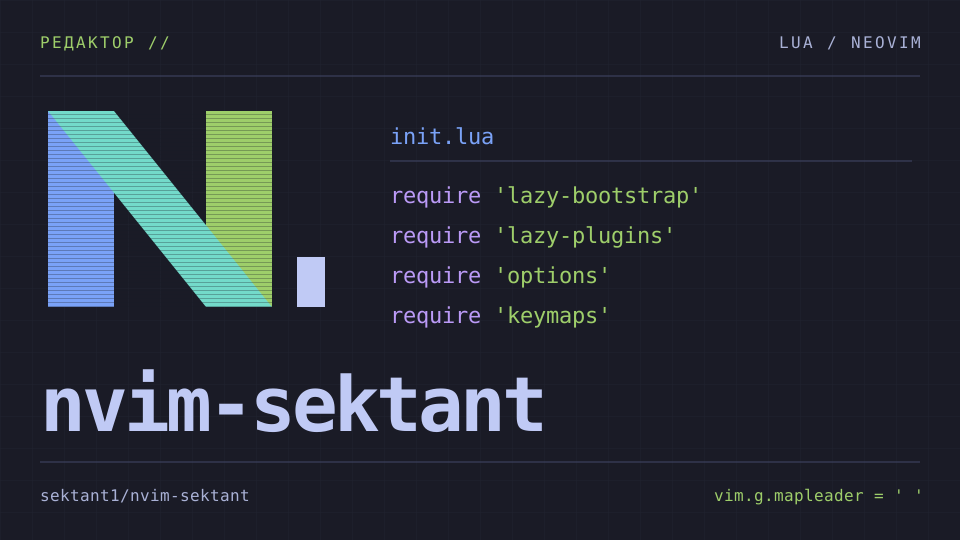
on this page
i keep my neovim config in nvim-sektant.
it started from kickstart-modular.nvim. init.lua loads separate files for
plugins, options, autocommands and keymaps.
if you want to use it, the quick setup post covers installation and the first few keys to press.
##inside the config
telescope handles file and text search. oil opens directories as editable buffers, and harpoon keeps a list of files you want to return to. flash handles jumps within text; aerial shows the symbols in a file.
blink.cmp supplies completion with luasnip snippets. the language configuration
includes clangd, pyright, ruff, ts_ls, jsonls and lua_ls, with a separate
roslyn setup for c#. conform formats on save. its formatter table includes
clang-format for c/c++, ruff and black for python, and prettier for web files.
the default theme is tokyonight-night with transparent backgrounds. a nerd font
is enabled in init.lua. you can switch themes with Space sT.
##my plugins in this setup
executioner.nvim runs project scripts and builds.
F5 opens the script picker, F6 repeats the last script, and F4 picks a build
target. debugger controls use Space b instead of the function keys.
ram.nvim holds two notes: Space n opens the global note,
and Space N opens the current project's note. vimwiki has its own mappings
under Space v for pages and diary entries.
clanger.nvim adds c/c++ commands for classes,
implementations and header/source files. this config sets its author to Gabe
and default namespace to ENG; change those in
lua/custom/plugins/clanger.lua before generating your own files.
##where to change things
init.lua: Leader key, Nerd Font setting, and module loadinglua/keymaps.lua: Editor mappings and plugin shortcutslua/options.lua: Editor optionslua/lazy-plugins.lua: Plugin list and custom plugin importslua/kickstart/plugins/lspconfig.lua: Language servers and Mason toolslua/kickstart/plugins/conform.lua: Formatters and format-on-save settingslua/custom/plugins/: Extra plugin specssnippets/: C and C++ snippets
The mappings include a few departures from default Vim:
;: Opens the command lineo/O: Add a blank line without entering Insert mode
Read lua/keymaps.lua before replacing shortcuts you already know.
The repository is where I keep subsequent changes.
##key mappings
Space Space: Find a file with TelescopeSpace sg: Search text in the projectSpace e: Open the current directory in OilSpace sk: Search the configured keymapsSpace sn: Find a file in this Neovim configSpace w: Save the current file if it changedgrd: Go to definition when an LSP is attachedgrn: Rename a symbol when an LSP is attachedCtrl-f: Format the bufferF5/F6: Pick a project script / rerun the last scriptSpace n/Space N: Open the global note / project noteSpace bb/Space bc: Toggle a breakpoint / start or continue debugging